Opening NetPilot
The NetPilot button
The round NetPilot button sits in the bottom-right corner of every console page. Hover over it to see "Ask NetPilot anything"; click it to open NetPilot.
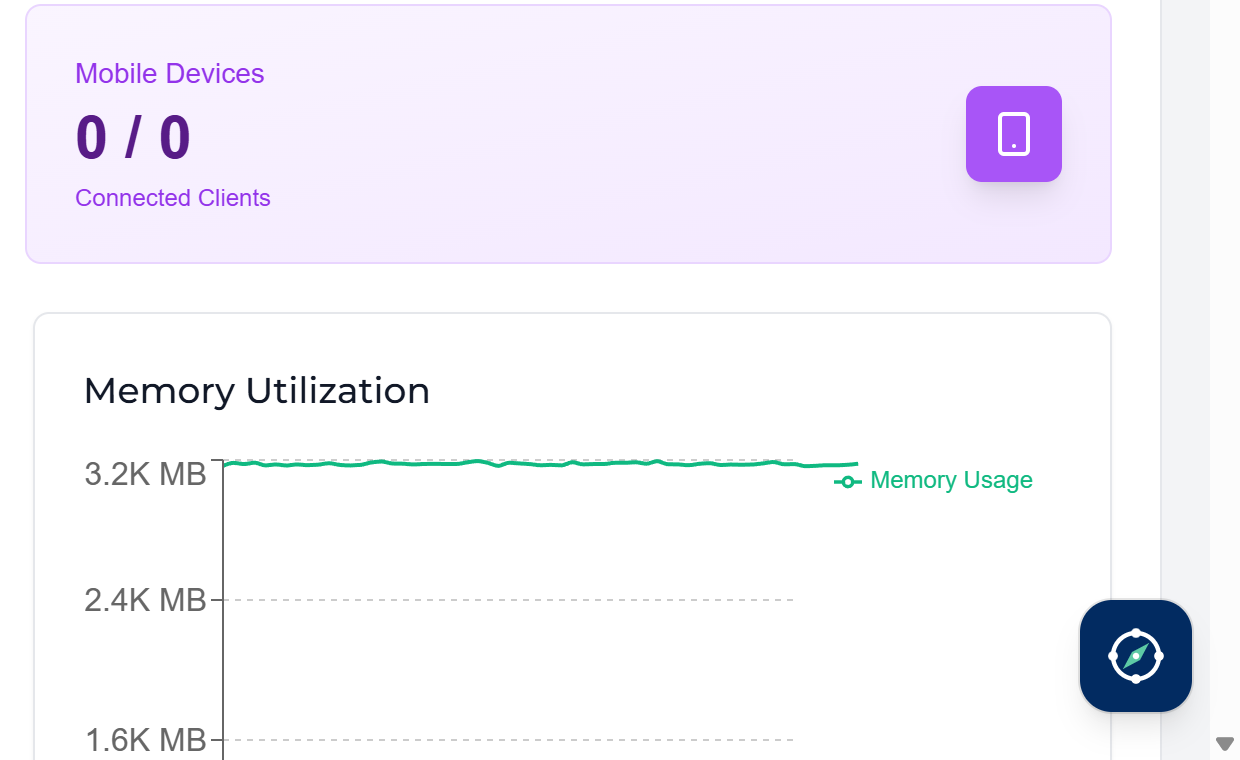
NetPilot knows which page you are on. On an edge, peering, connector or shared gateway page, or the dashboard, it shows Context: this edge (or this peering, and so on) above the message box, so you can say "this edge" instead of its name.
Analyze with NetPilot
Some pages have a button that asks NetPilot for an analysis straight away:
- Edge page: Analyze with NetPilot, next to Sync Config, asks NetPilot whether anything is wrong with the edge over the last 6 hours, the likely root cause, how serious it is and how to fix it.
- Notifications: the NetPilot icon on an alert asks what happened, the likely root cause, how serious it is and how to fix it.

Each analysis starts a new conversation; earlier ones stay in your history. SuperAdmins and Channel Admins must select the edge's or alert's tenant first: the button says so when it is greyed out.
Choosing a view
NetPilot opens as a sidebar on the right of the page. Click the Switch view button in its header to choose another view:
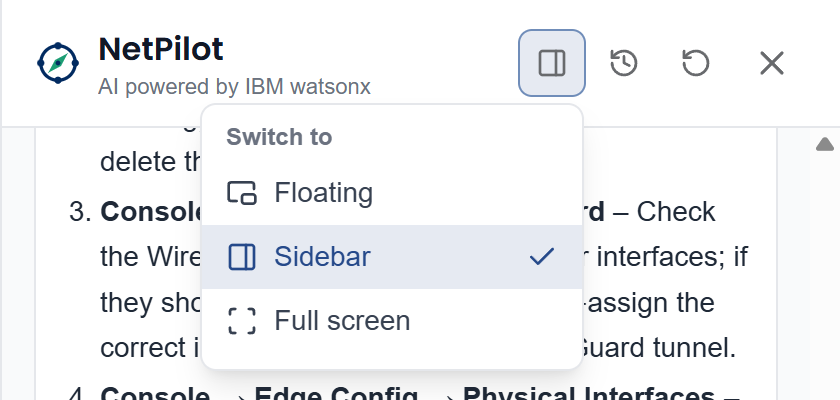
| View | Best for |
|---|---|
| Floating | A small window you can move anywhere, while you keep working on the page. |
| Sidebar | Docked on the right; the page stays visible beside it. |
| Full screen | Long answers such as incident reports. |
The console remembers your choice in this browser.
Floating window
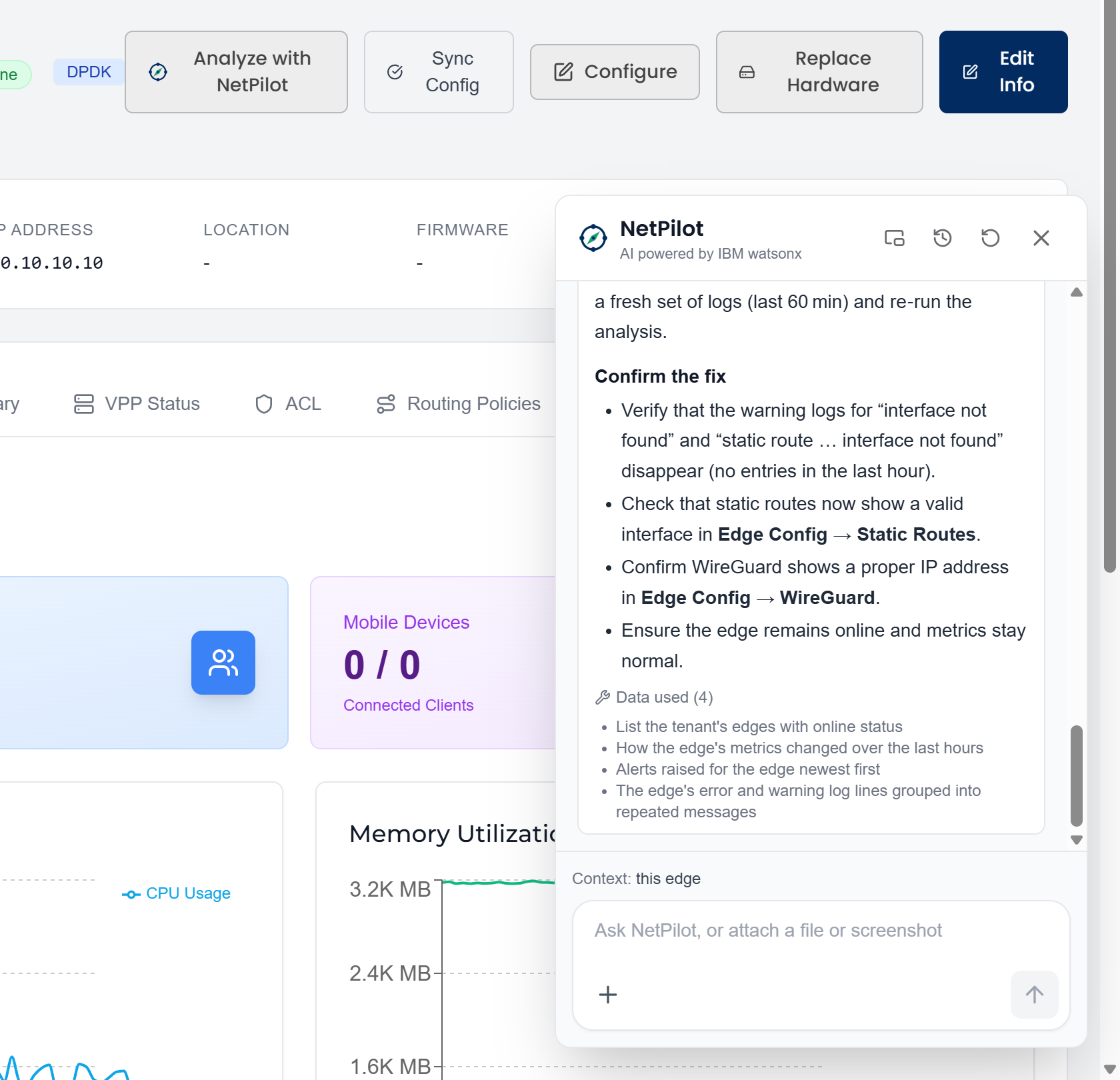
Move the floating window anywhere in the console:
- Drag its header (the NetPilot title).
- Or click the header and use the arrow keys; hold Shift for bigger steps.
- Double-click the header, or press Home, to put it back in the corner.
It stays inside the browser window, and opens where you left it.
Full screen
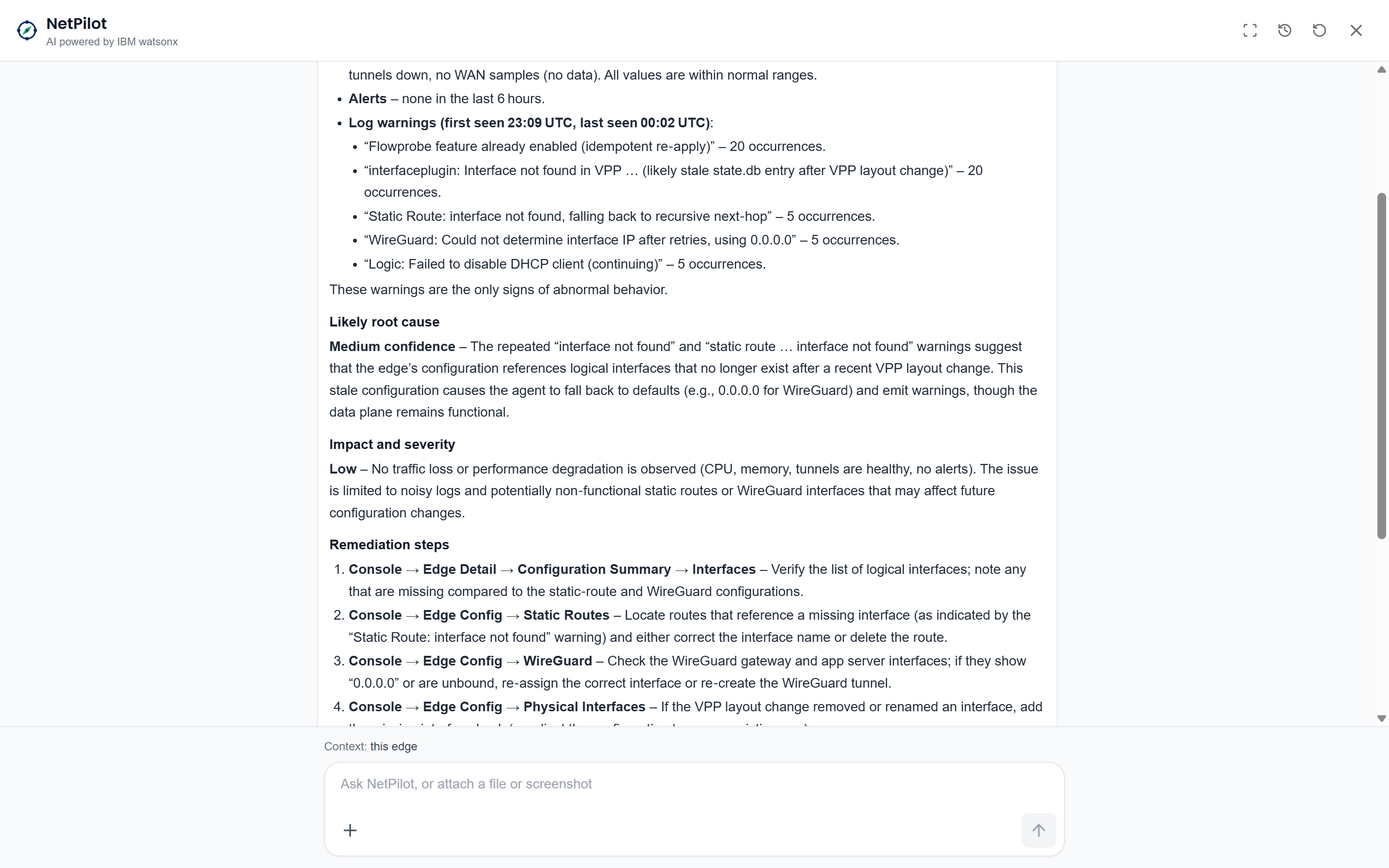
The header buttons
| Button | What it does |
|---|---|
| Switch view | Floating, sidebar or full screen. |
| Your conversations | Your conversation history (see Asking NetPilot). |
| New conversation | Starts afresh; NetPilot forgets the current conversation. |
| Close (or Esc) | Closes NetPilot. Reopen it to carry on: the conversation stays until you reload the page, change tenant or sign out. |